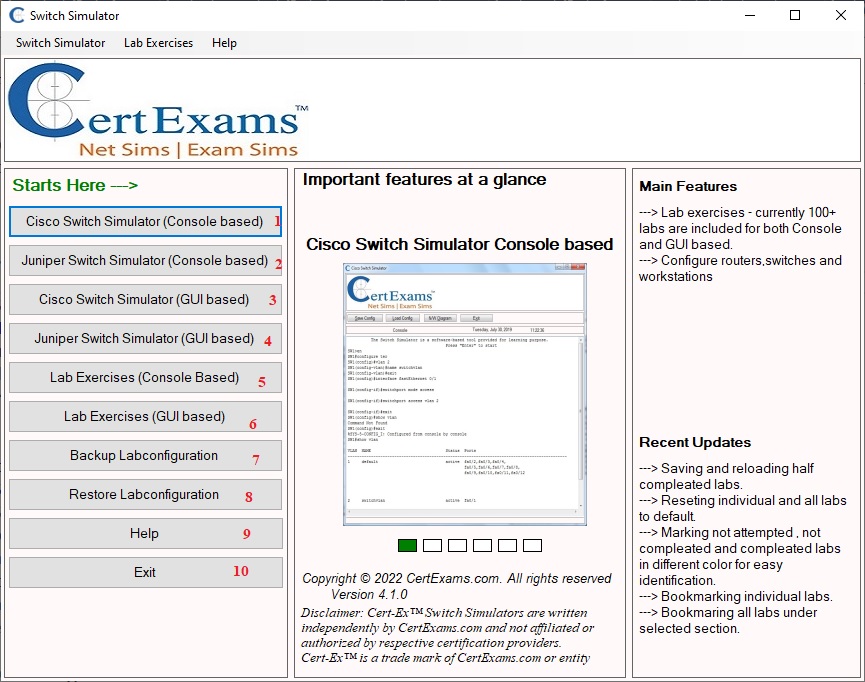
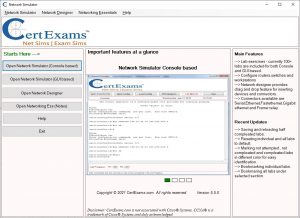
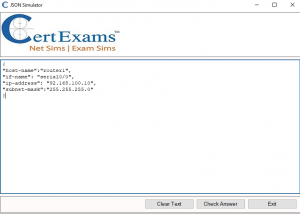
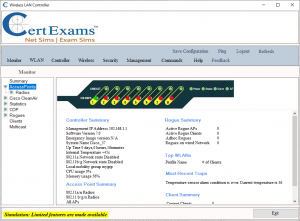
Switch Network Simulator provides a virtual lab environment by simulating a switch network consisting of Cisco IOS and Juniper JUNOS switches. Additionally, a lab manual provides hands-on experience configuration and troubleshooting of switch networks consisting of Cisco and Juniper switches.
Exam Simulator for A+ Core 2 consists of 325+ questions with Flash cards. The tests are offered in two modes. A. Online version, and b. Downloadable version. In the online version, a user need to take the tests online after logging in to the website (Internet connectivity is required). In the download version, a user may download the examsim, and take the test on his/her desktop computer.
Exam Objectives Covered include
1.0 Operating Systems 27% 2.0 Security 24% 3.0 Software Troubleshooting 26% 4.0 Operational Procedures 23% Total 100%
Juniper Jweb is a GUI based tool for simplifying Juniper router configurations. It is possible to configure juniper devices using Jweb GUI for some routine setup tasks. However, for complex configurations, you will need to use Juniper CLI. Juniper JUNOS supports Jweb for most devices.
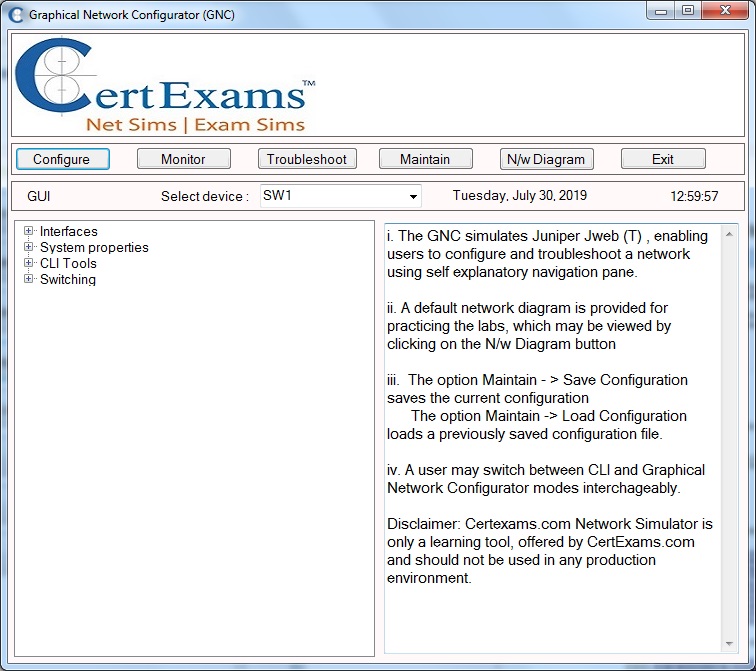
Certexams.com updated its Juniper Network simulator to include both Console and GUI based labs. Juniper GUI simulates Juniper Jweb(T), enabling users to configure and troubleshoot a network using self explanatory navigation pane
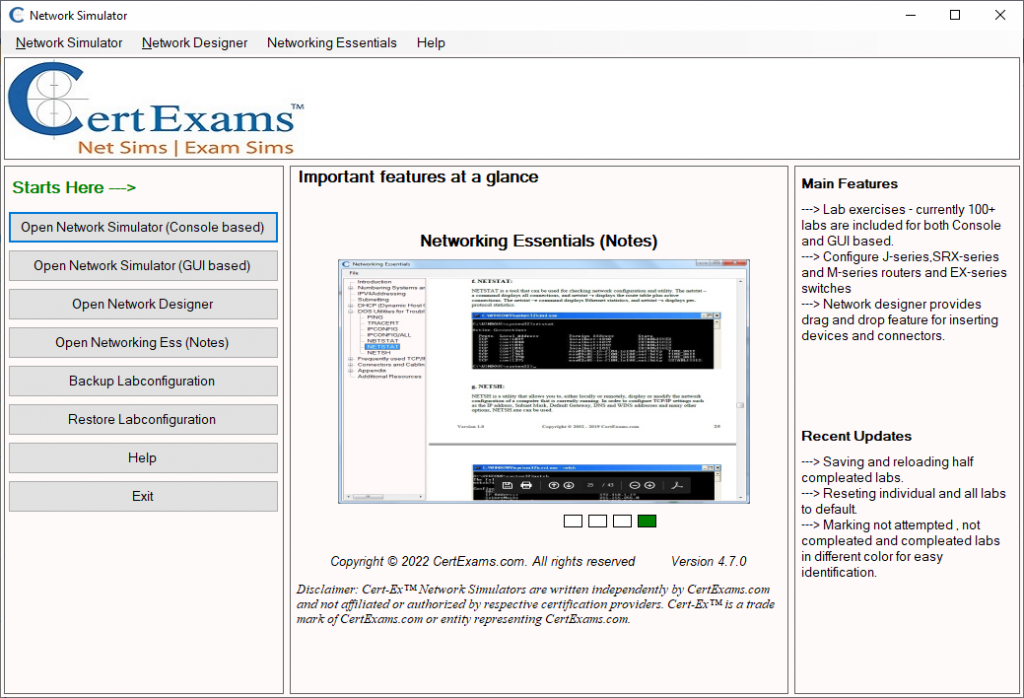
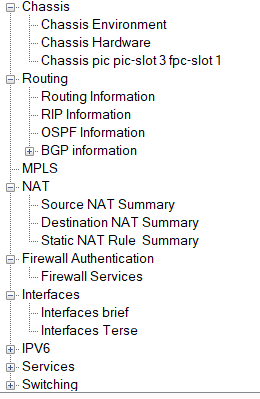
Screen-shot of the Juniper Network Simulator main navigation panel.
Various navigation buttons of Juniper simulator GUI is explained below.
1. Configure: By clicking this option various options(features) of the devices are listed in the left navigation pane select any of these feature to configure the device.
2. Monitor: By clicking this option displays various features on the left pane you can select these option to view your configuration.
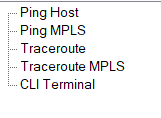
3.Troubleshoot: This option will take you to CLI terminal mode also allows you to troubleshoot the lab by using ping , traceroute command.
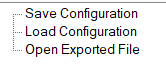
4. Maintain: Use this option save and load the configurations and also to opening a file that was created using Network Designer module.
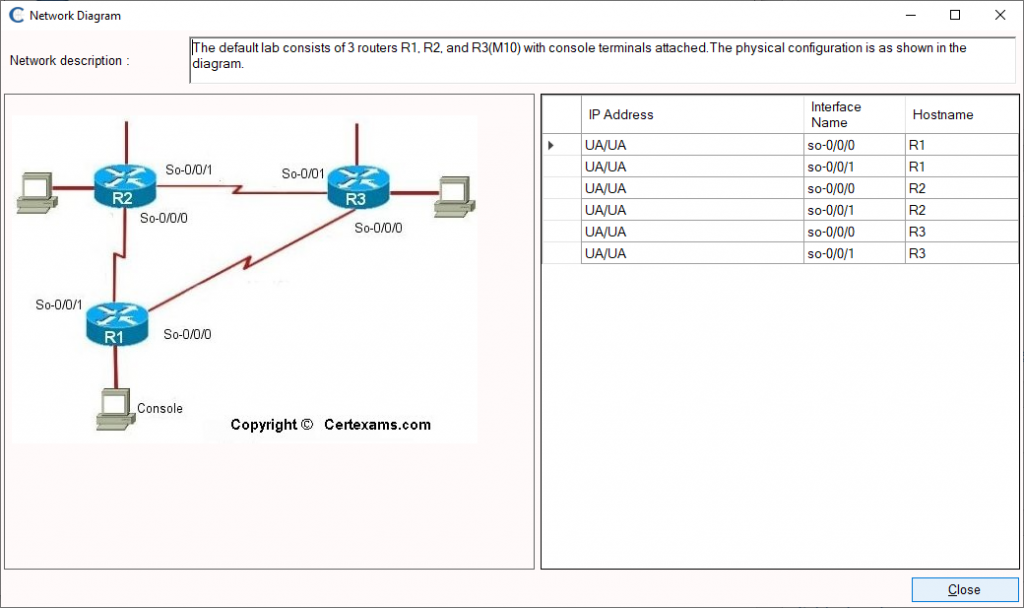
5. N/w Diagram: A window where default network diagram of the lab exercise is displayed and the device configuration details.
To know more about the features of Juniper Network Simulator for Console and GUI, visit here
Exam Simulator for CCNP ENARSI consists of 200+ Questions conforming to the latest exam objectives. The question types include Multiple Choice, Drag-and-Drop, True/False, and Testlets.
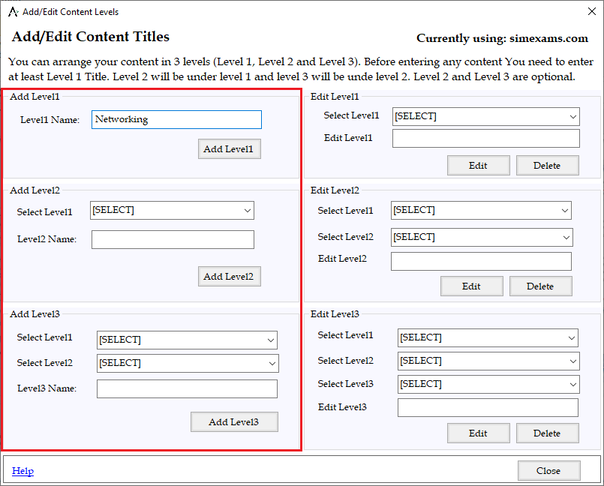
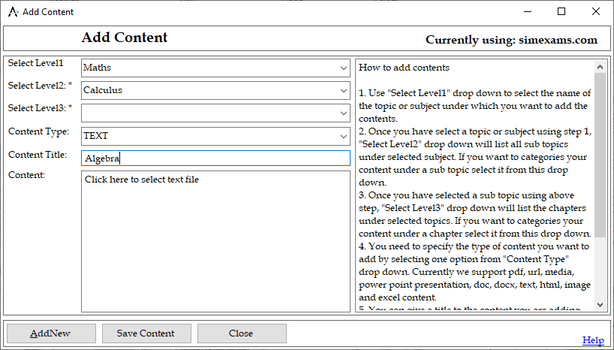
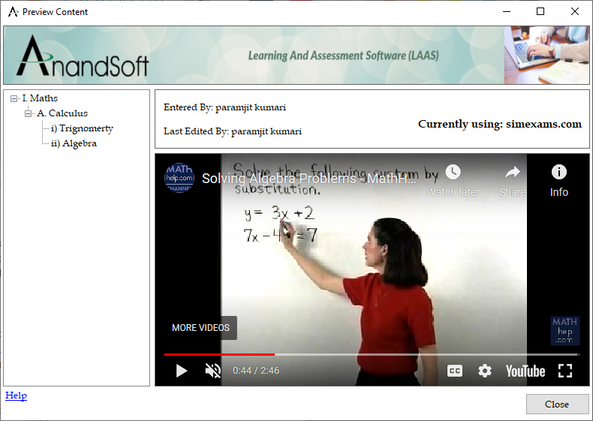
Content engine which is included in author can be used to create lessons and arrange them in levels (like subject, topic, chapters), it allows entering remote URL, text, html, pdf, image, video, audio, multimedia, docx, excel, and ppt files.
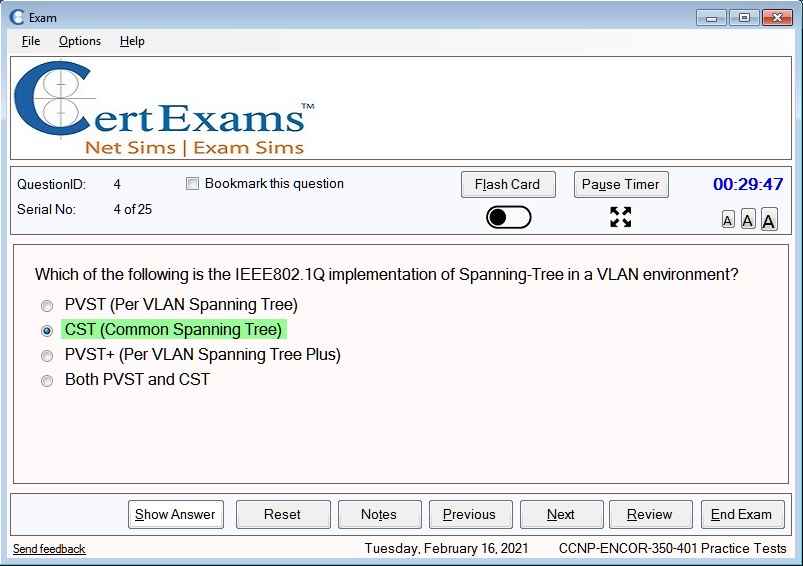
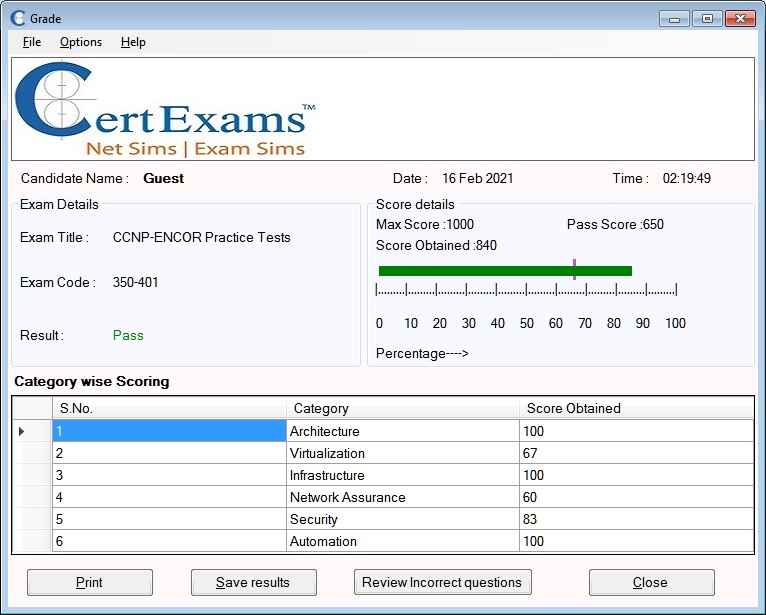
Exam Simulator for CCNP ENCOR consists of 200+ Questions conforming to the latest exam objectives. The question types include Multiple Choice, Drag-and-Drop, True/False, and Testlets.
This exam is associated with following certifications CCNP Enterprise, CCIE Enterprise Infrastructure, CCIE Enterprise Wireless, Cisco Certified Specialist – Enterprise Core
Anand Software and Training, an eLearning solutions provider, updated it’s flagship product Learning and Assessment Software recently. The update enables detailed pass criteria and granular scoring system. The main features available with the “First of it’s kind” software are:
Author engine – that enables authors to write questions, answers, and explanations and provide categories and sub categories. Please check this link for more information on features available:
Exam engine– This is the most comprehensive engine available to date. It enables authors or super users with complete control of exam environment, right from which navigation buttons are available to candidates, whether remote proctoring should be enables, etc. Please check this link for more information are available options. Exam Module Features
Content engine – This is an innovative and comprehensive module that enables authors to develop and distribute content. Most of the available content formats are supported including pdfs, audio visuals, MS office formats, and others. Please check this link for more information.
About Anand Software and Training: The company is involved in software development, web design and apps development. The LAAS software is copyright of Anand Software and Training.
Network+ exam simulator provides 500+ practice questions from latest syllabus of Network+ certification exam N10-008. Complete explanation is provided for each question in Learn mode, and actual exam environment is simulated in Exam mode. Options to save the results and reviewing questions are provided.
This website uses cookies to improve your experience while you navigate through the website. Out of these, the cookies that are categorized as necessary are stored on your browser as they are essential for the working of basic functionalities of the website. We also use third-party cookies that help us analyze and understand how you use this website. These cookies will be stored in your browser only with your consent. You also have the option to opt-out of these cookies. But opting out of some of these cookies may affect your browsing experience.
Necessary cookies are absolutely essential for the website to function properly. These cookies ensure basic functionalities and security features of the website, anonymously.
Cookie
Duration
Description
cookielawinfo-checkbox-analytics
11 months
This cookie is set by GDPR Cookie Consent plugin. The cookie is used to store the user consent for the cookies in the category "Analytics".
cookielawinfo-checkbox-functional
11 months
The cookie is set by GDPR cookie consent to record the user consent for the cookies in the category "Functional".
cookielawinfo-checkbox-necessary
11 months
This cookie is set by GDPR Cookie Consent plugin. The cookies is used to store the user consent for the cookies in the category "Necessary".
cookielawinfo-checkbox-others
11 months
This cookie is set by GDPR Cookie Consent plugin. The cookie is used to store the user consent for the cookies in the category "Other.
cookielawinfo-checkbox-performance
11 months
This cookie is set by GDPR Cookie Consent plugin. The cookie is used to store the user consent for the cookies in the category "Performance".
viewed_cookie_policy
11 months
The cookie is set by the GDPR Cookie Consent plugin and is used to store whether or not user has consented to the use of cookies. It does not store any personal data.
Functional cookies help to perform certain functionalities like sharing the content of the website on social media platforms, collect feedbacks, and other third-party features.
Performance cookies are used to understand and analyze the key performance indexes of the website which helps in delivering a better user experience for the visitors.
Analytical cookies are used to understand how visitors interact with the website. These cookies help provide information on metrics the number of visitors, bounce rate, traffic source, etc.
Advertisement cookies are used to provide visitors with relevant ads and marketing campaigns. These cookies track visitors across websites and collect information to provide customized ads.